logo

Free AI Image Upscaler Online

Instantly remove, replace, or edit photo backgrounds using advanced AI

image-upscaler
Jewelry
Gold Rings
Gold Rings
Pendant Portrait
Pendant Portrait
Amber Cosmetic Bottle
Bracelet
Bracelet
Face Serum
Face Serum
Models
AI Image Editor Online
AI Image Generator Online
AI Background Remover Online
AI YouTube Thumb Generator Online
AI Product Photography Online

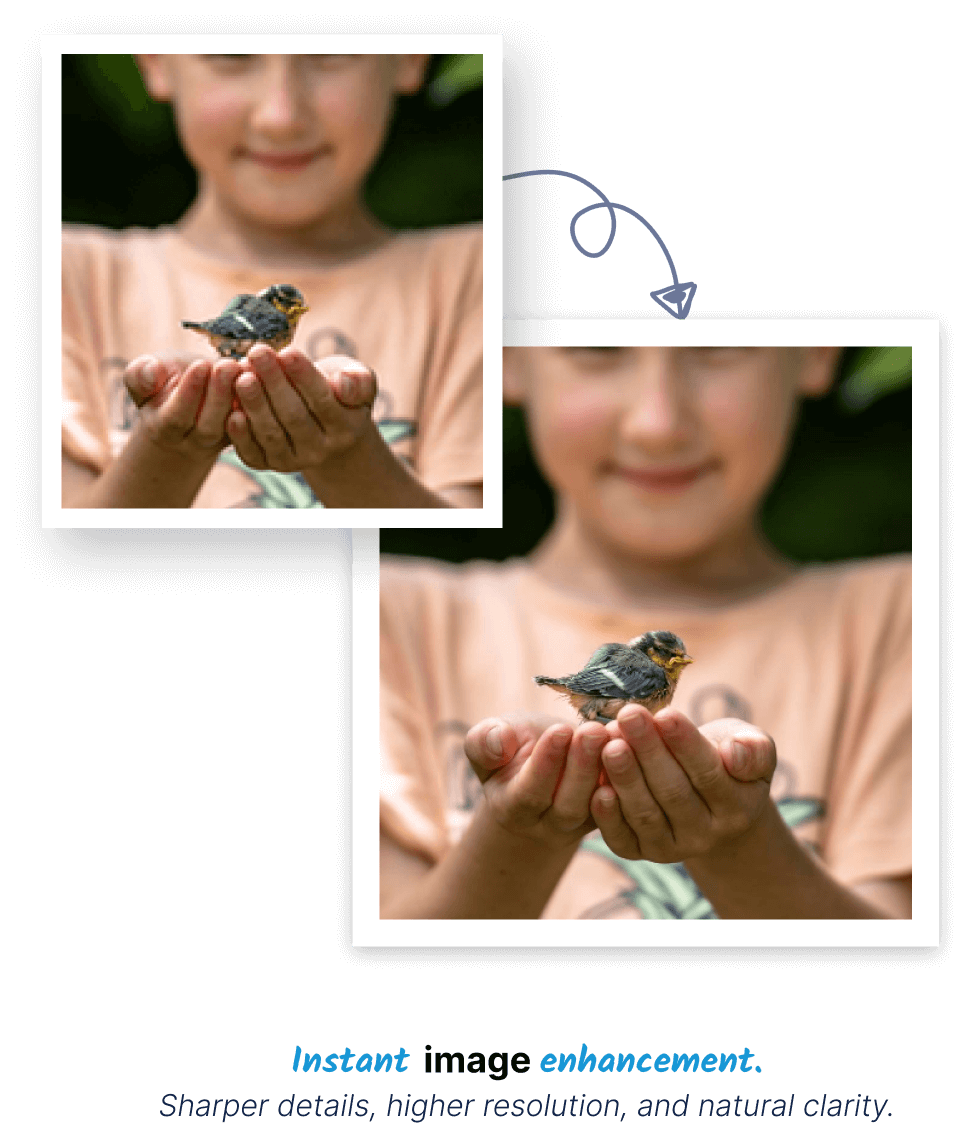
High-end AI Photo Enhancement

Create a master work of a photo with high quality with the help of advanced AI technology.

Viral Ready

Creators' Go-To Hack

Be conspicuous on social media with sharp clear posts, reels and graphics. Produce professional images that can just get a lot of likes, shares, and attention instantly.

Creators' Go-To Hack

Smart Restore

Photo Restoration

Reconstruct bad quality photographs by improving their clarity, sharpness and details using AI which revives the cherished memories without altering their original appearance.

Photo Restoration
Helpful Info

Frequently Asked Questions

Learn how to upscale images without losing quality with Ecomstation AI.

How much can AI upscale images without losing quality?

toggle

Our AI can upscale images up to 4x their original size while maintaining remarkable clarity. Unlike traditional upscaling that creates blurry results, our AI intelligently reconstructs details, enhances edges, and adds realistic textures for a natural, high-resolution appearance.

What types of images benefit most from AI upscaling?

toggle

Old photographs, low-resolution product images, social media graphics, and digital artwork see the most dramatic improvements. The AI excels at restoring family photos, enhancing e-commerce product shots, and preparing images for large-format printing where every detail matters.

Can AI upscaling improve blurry or out-of-focus photos?

toggle

While AI can significantly enhance slightly blurry images, it cannot completely fix severely out-of-focus photos. The technology works best with images that have some original detail to enhance, transforming soft edges into crisp lines and recovering lost definition.

What's the difference between AI upscaling and traditional enlargement?

toggle

Traditional methods simply stretch pixels, causing blurriness and pixelation. AI upscaling analyzes image patterns, understands content context, and intelligently generates new pixels that match the original style, resulting in sharp, natural-looking enlargements.

How does the AI handle different art styles during upscaling?

toggle

The AI recognizes and preserves various artistic styles including photographs, digital art, anime, oil paintings, and illustrations. It adapts its enhancement approach to maintain the original artistic integrity while increasing resolution and clarity.

What's the maximum file size I can upscale for free?

toggle

Our free tier supports images up to 20MB with dimensions up to 2000x2000 pixels. Larger files and higher upscaling ratios are available in premium plans. The free version is perfect for enhancing social media images, web graphics, and personal photos.

Can I upscale images for print purposes?

toggle

Absolutely! Many users upscale images for professional printing including brochures, banners, and photo prints. The AI ensures images maintain quality at 300 DPI printing standards, though we recommend testing with small prints first for critical projects.

How does AI upscaling affect image file sizes?

toggle

Upscaled images will have larger file sizes proportional to the increase in dimensions. A 2x upscale typically results in a file 3-4 times larger.

How long does AI upscaling typically take?

toggle

Most images process in 15-45 seconds depending on original size and complexity. Larger files or higher upscaling ratios may take slightly longer. Our optimized servers ensure fast processing without compromising on the quality of results.

Is there any quality loss during the upscaling process?

toggle

Quite the opposite - AI upscaling adds quality by enhancing details, reducing noise, and improving sharpness. The process intelligently fills in missing information based on patterns learned from millions of high-quality images, resulting in superior visual quality.

0
1
2
3
4
5
6
7
8
9
10
11

Transform your creative process

checkStart For Free
checkNo credit card needed
checkStudio-quality results
logo

Get AI creation tips, product updates, and real use-cases delivered straight to your inbox. No spam. No noise.

© 2026 EcomStation

Crafted with ❤️ in London